 Aeromexico Rewards
 Air Canada Aeroplan
 American Airlines AAdvantage
 Atmos Rewards (Alaska/Hawaiian)
 Azul Fidelidade
 Delta SkyMiles
 Etihad Guest
 Finnair Plus
 Flying Blue (AF/KL)
 GOL Smiles
 Jetblue TrueBlue
 Qantas Frequent Flyer
 SAS EuroBonus
 Turkish Miles&Smiles
 United MileagePlus
 Virgin Atlantic Flying Club
 Virgin Australia Velocity
SeatGuru has closed, but you can still check whether a seat has a window, enough legroom, or a lavatory right behind it before you book. AeroLOPA and SeatMaps.com help with those details. The free AwardFares seat map tool shows current seat assignments and availability for supported flights, while ExpertFlyer can alert you when a preferred seat opens.
The best SeatGuru alternative depends on what you need to know. If you are choosing between seats, start with a detailed cabin map. If you already know where you want to sit, check the live map to see whether that seat is available, then confirm the selection and any fee with the airline.
SeatGuru Alternatives Comparison Chart
| Tool | Best use | Free access / cost | Main limitation |
|---|---|---|---|
| AwardFares Seat Map | Current seat assignments and availability | Free tool | Assignments are not ticket sales |
| AeroLOPA | Window alignment, cabin geometry, seat ratings | Free; account needed for full maps | Layout research, not live seat assignments |
| SeatMaps.com | Cabin photos, reviews, broad airline coverage | Free to browse | Confirm the exact aircraft variant |
| ExpertFlyer | Alerts when a preferred seat opens | Free map and one alert; paid plans | Airline coverage and features vary |
| SeatLink | Traveler reviews and photos | Free to browse | Check review date and aircraft version |
| SeatMaestro | A second opinion on layouts and seat dimensions | Free to browse | Check whether reviews match today’s cabin |
| FlightSeatmap.com | One-trip seat monitoring | Free preview; Trip Pass $4.99 | Live checks and alerts have plan limits |
| SeatMap.app | Seat warnings and source details | Maps free without an account; Pro extras | Detail depends on evidence for each map |
| SeatCompare.ai | Flight-number search and seat suggestions | Advertises free search | Verify recommendations against the actual layout |
| Legrooms+ | Comparing legroom in Google Flights | Free Chrome extension | Cabin comparison, not individual seat selection |
Features and prices checked against the providers’ public pages on September 21, 2026. Paid plans and alert delivery have not been independently tested for this update. AwardFares publishes this guide and operates the seat map tool included below.
What Happened to SeatGuru?
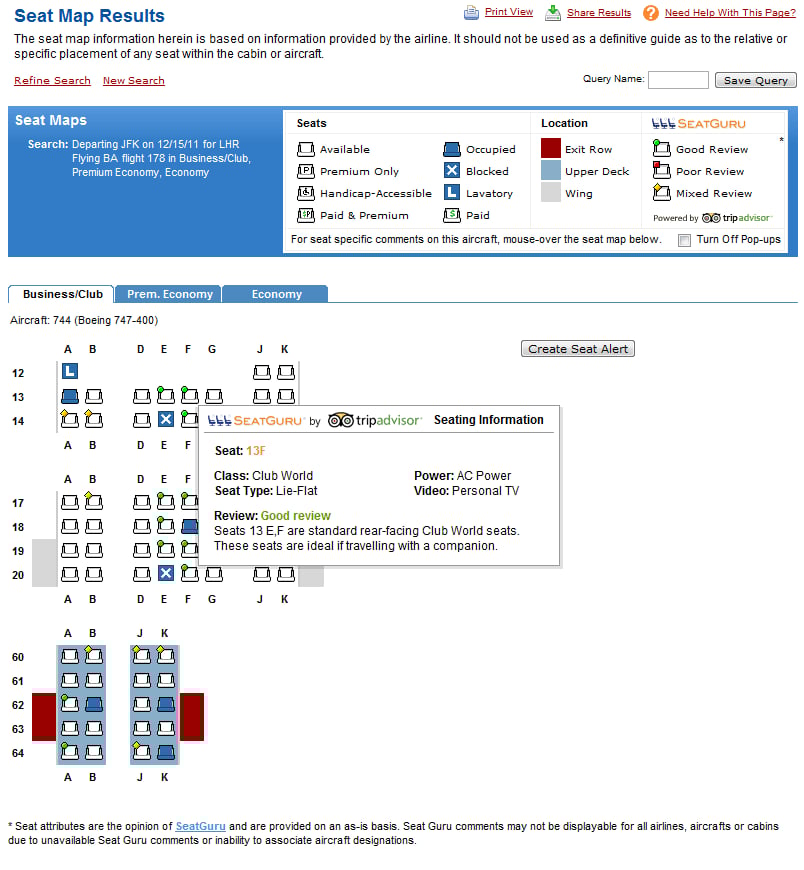
Visiting seatguru.com now takes you to Tripadvisor. The service has closed, so an old bookmark will no longer bring up the seat maps.
Founder Matt Daimler dates the closure to November 2025 in his account of joining AeroLOPA. He created SeatGuru in 2001, sold it to Expedia in 2007, and later chose to help build AeroLOPA instead of starting again. Daimler describes the shutdown, but does not give a reason for Tripadvisor’s decision.

The 10 Best SeatGuru Alternatives
1. AwardFares Seat Map Tool
1. AwardFares Seat Map Tool
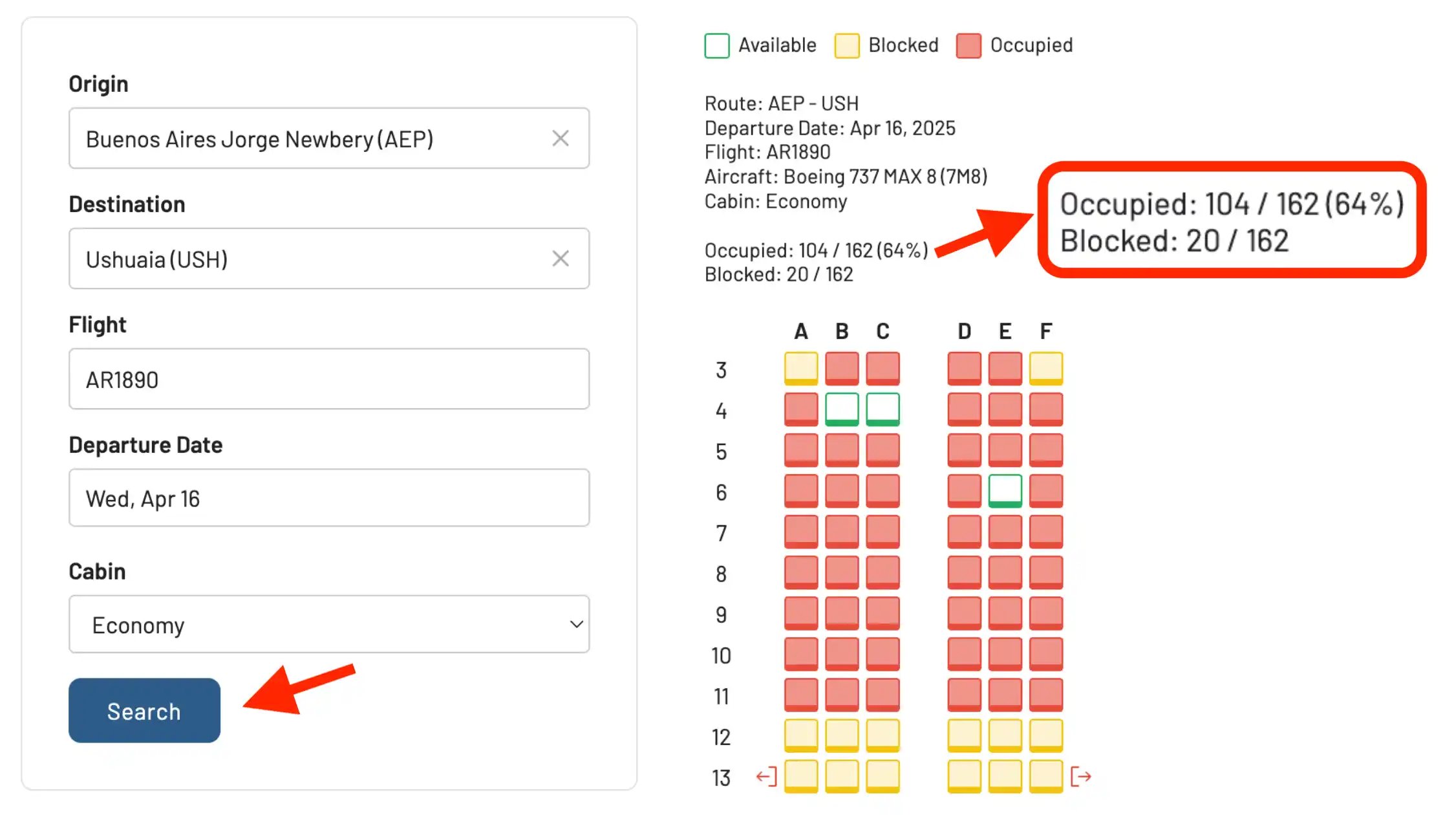
The free AwardFares Seat Map Tool is useful when you have a flight in mind and want to check the seats currently shown as assigned, blocked, or available. You can use it before booking to look for seats together or after booking to check for a better position in the cabin.
- Enter the route, flight number, departure date, and cabin.
- Search for the map and read its seat-status legend.
- Compare the available seats with a detailed cabin layout.
- Select or change your seat through the airline, checking any fee or fare restriction.
Coverage varies by airline and flight. If no map is returned, try the operating airline’s booking page. Also remember that seat assignments are different from ticket sales: some passengers have tickets but have not chosen their seats yet. The seat maps guide explains how to interpret the map and what blocked seats can mean.
For a points booking, check award availability separately. An unassigned business-class seat does not necessarily mean you can book it with miles.
2. AeroLOPA
2. AeroLOPA
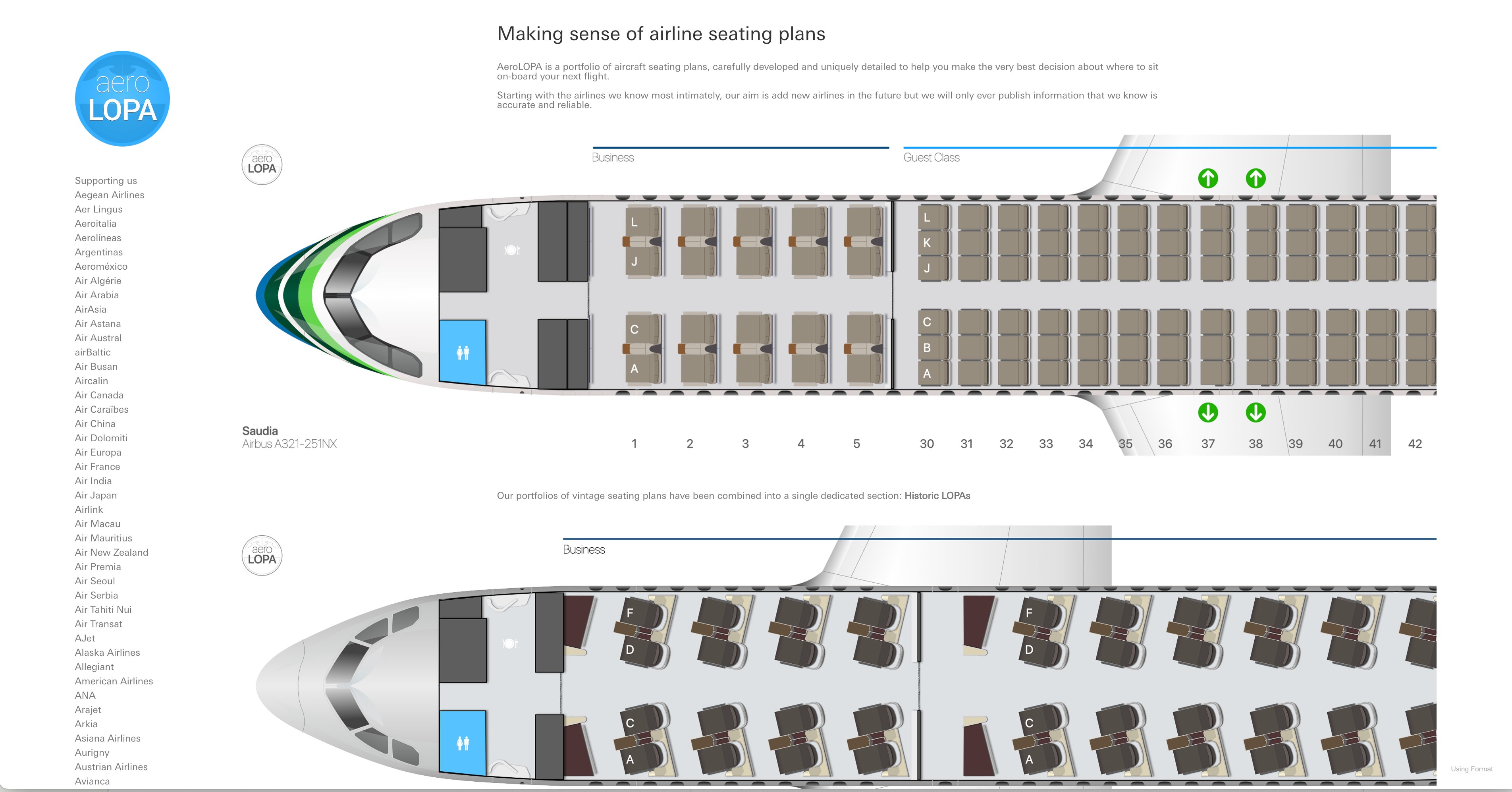
AeroLOPA draws cabin layouts to scale, which makes it useful for checking details such as window alignment, the space around an exit, or how close a seat is to the lavatory. A seat labeled “window” is much less appealing if the window is behind your shoulder.
Search by flight number and date, or browse the airline’s fleet. The current maps also include seat ratings: Good, Be Aware, and Avoid. Read the notes for the seats you are considering, then compare them with the airline’s available options.
AeroLOPA says a free account unlocks full maps, saved aircraft, and alerts when a map changes. These are cabin layouts, so you will still need a live map to check seat assignments for your departure.
3. SeatMaps.com
3. SeatMaps.com
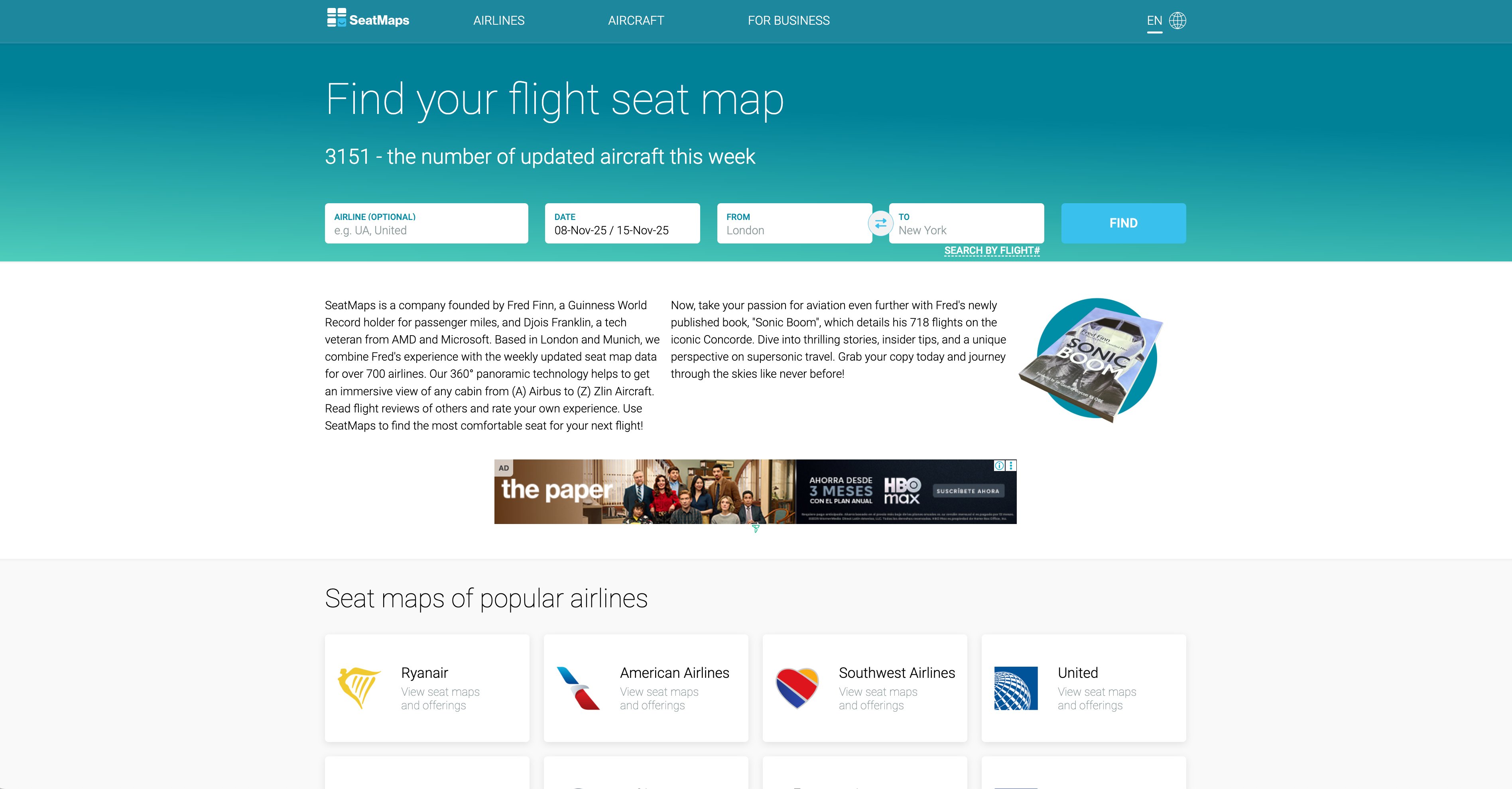
A diagram can show where a seat is, but a photo often makes it easier to picture the space around it. SeatMaps.com combines layouts with passenger reviews, photos, and 360-degree cabin views for selected aircraft. It also offers route and flight lookup.
Its homepage lists coverage of more than 800 airlines. That broad directory makes it worth checking when you cannot find your airline elsewhere. Before relying on a photo or review, match the aircraft version to your booking: the same airline can have several interiors on one aircraft type.
4. ExpertFlyer
4. ExpertFlyer
If your preferred seat is taken, ExpertFlyer can monitor it and send an alert when it opens. Its free account includes a basic seat map and one active seat alert, with no credit card required.
For someone watching a single seat on one trip, that may be enough. Paid plans add more alerts and other flight information. These were the published prices on September 21, 2026:
| Plan | Monthly equivalent, billed annually | Selected features |
|---|---|---|
| Basic | $5.99 | 50 simultaneous alerts |
| Premium | $10.99 | 250 alerts, more detailed maps, aircraft-change alerts |
| Elite | $19.99 | Premium features plus expanded systemwide-upgrade search |
Check the plan details and airline coverage before subscribing. When an alert arrives, you need to return to the airline to change your seat. The alert does not hold it for you or remove any seat-selection fee.
5. SeatLink
5. SeatLink
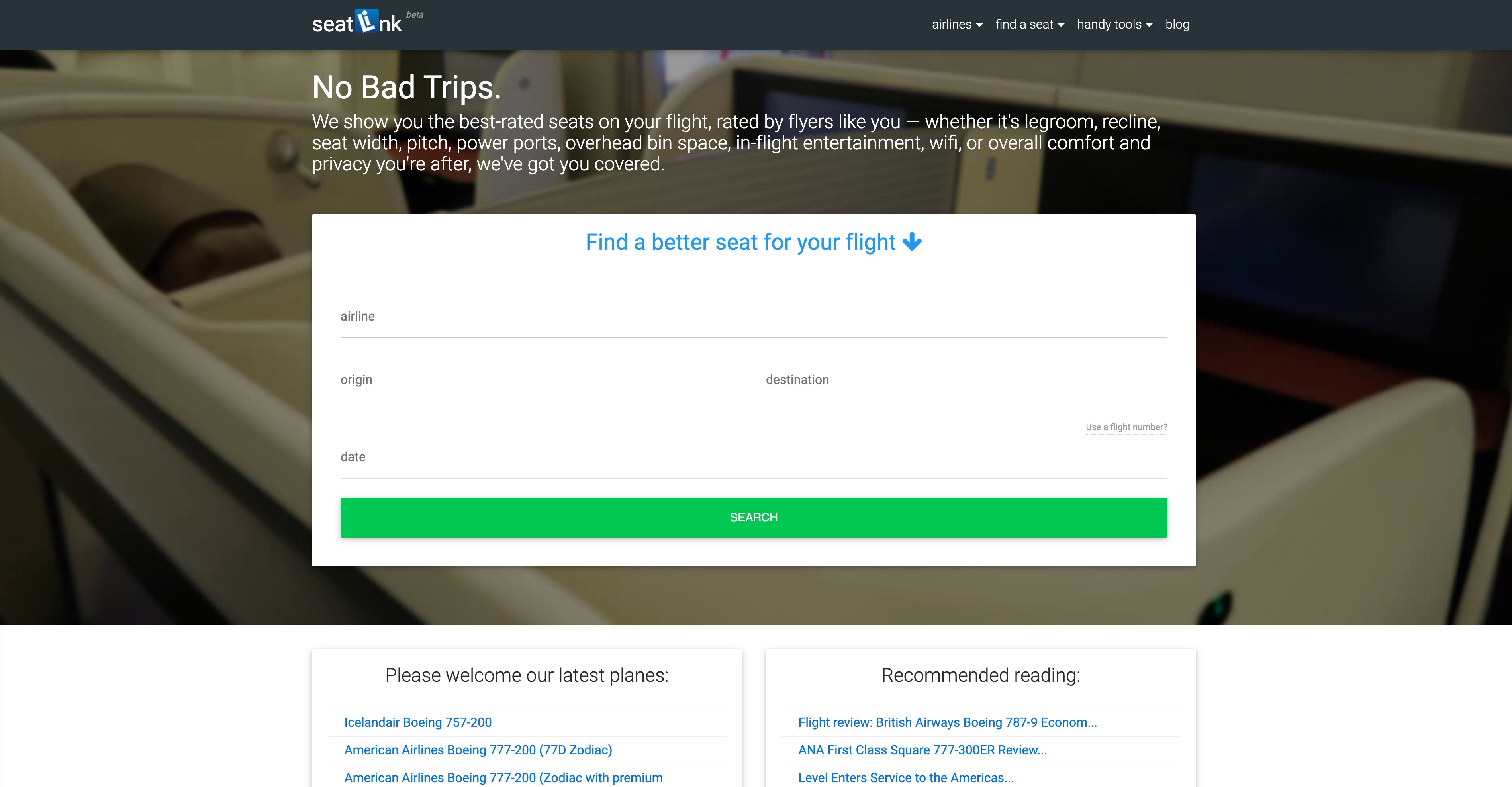
SeatLink is useful for reading what other passengers thought of a seat. Its reviews and cabin photos can add context to the layout, particularly when you want to understand the space around a seat or how busy that part of the cabin feels.
Check when the review was written and which aircraft version it describes. If the airline has since refurbished the cabin, the seat number may still exist while the experience has changed.
6. SeatMaestro
6. SeatMaestro
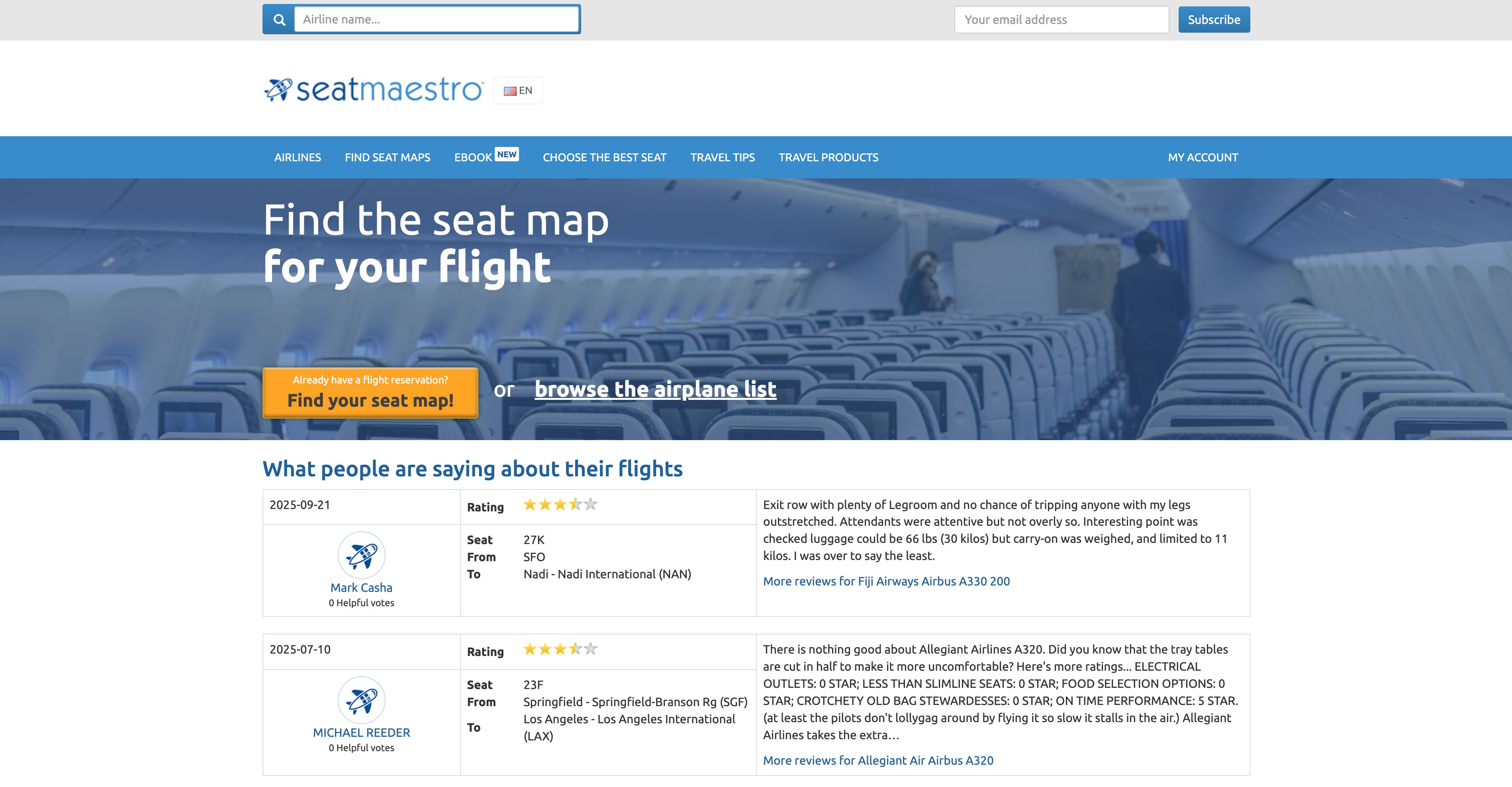
SeatMaestro has seating charts, seat dimensions, and passenger reviews. It is another place to look when the other sites have little information about your aircraft.
Compare the row numbers and cabin size with your booking before following a seat recommendation. A review can still be useful years later if the interior is unchanged, but a different layout is a reason to look for a more relevant source.
7. FlightSeatmap.com
7. FlightSeatmap.com
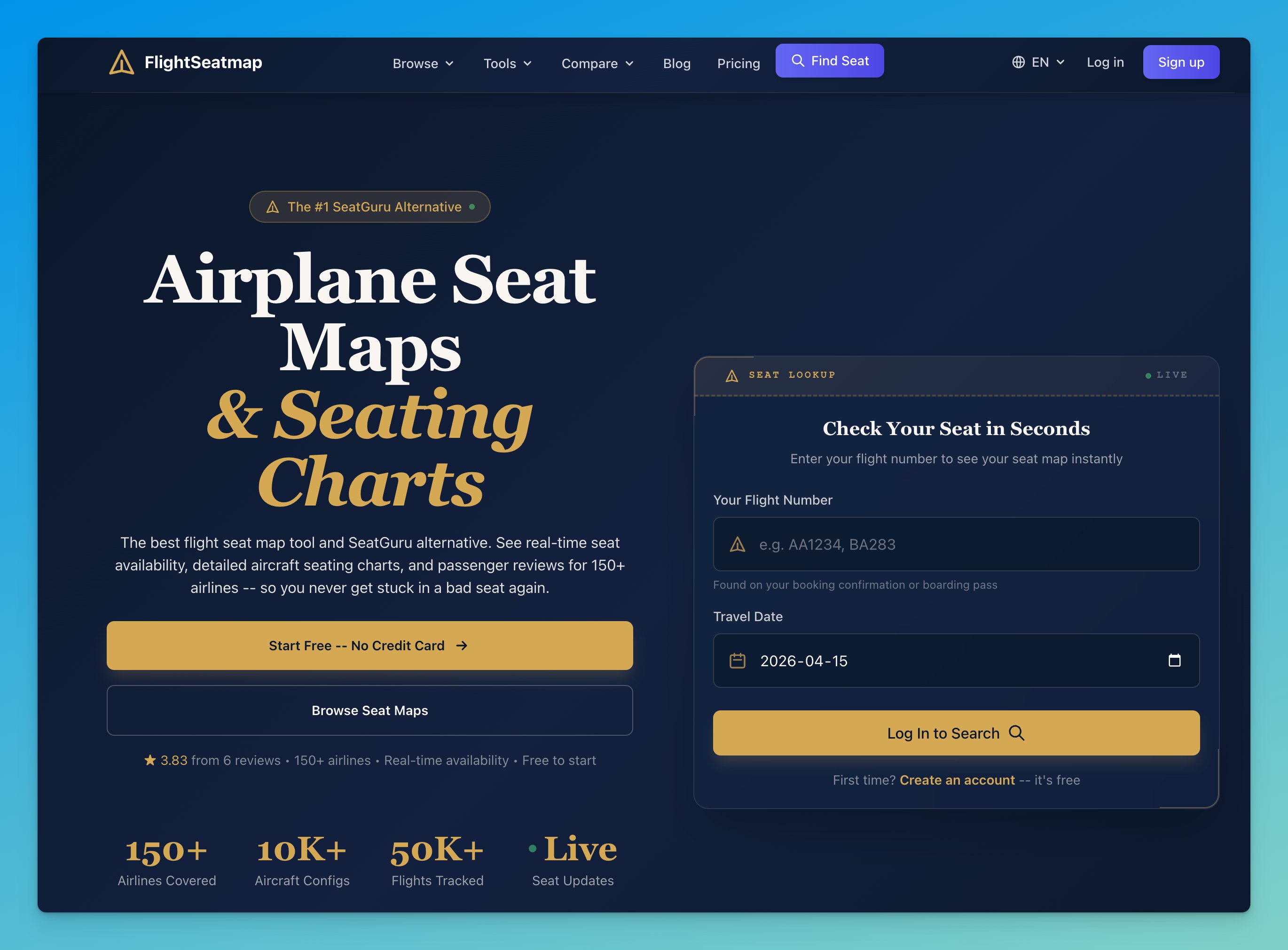
FlightSeatmap.com offers static layouts and paid seat monitoring. Its Trip Pass may suit an occasional traveler who wants to watch one flight without starting a monthly subscription.
The pricing page listed these options on September 21, 2026:
- Free: Static layouts, one live availability preview, and one active seat alert.
- Trip Pass ($4.99 once): One flight’s live map and a seat alert until departure.
- Frequent Flyer ($8.99/month or $79/year): Ten live checks per month, five active alerts, and aircraft and schedule alerts.
The Trip Pass expires after departure and does not renew. Check that live data is supported for your flight before paying; being able to view a static layout does not mean a live map is available.
8. SeatMap.app
8. SeatMap.app
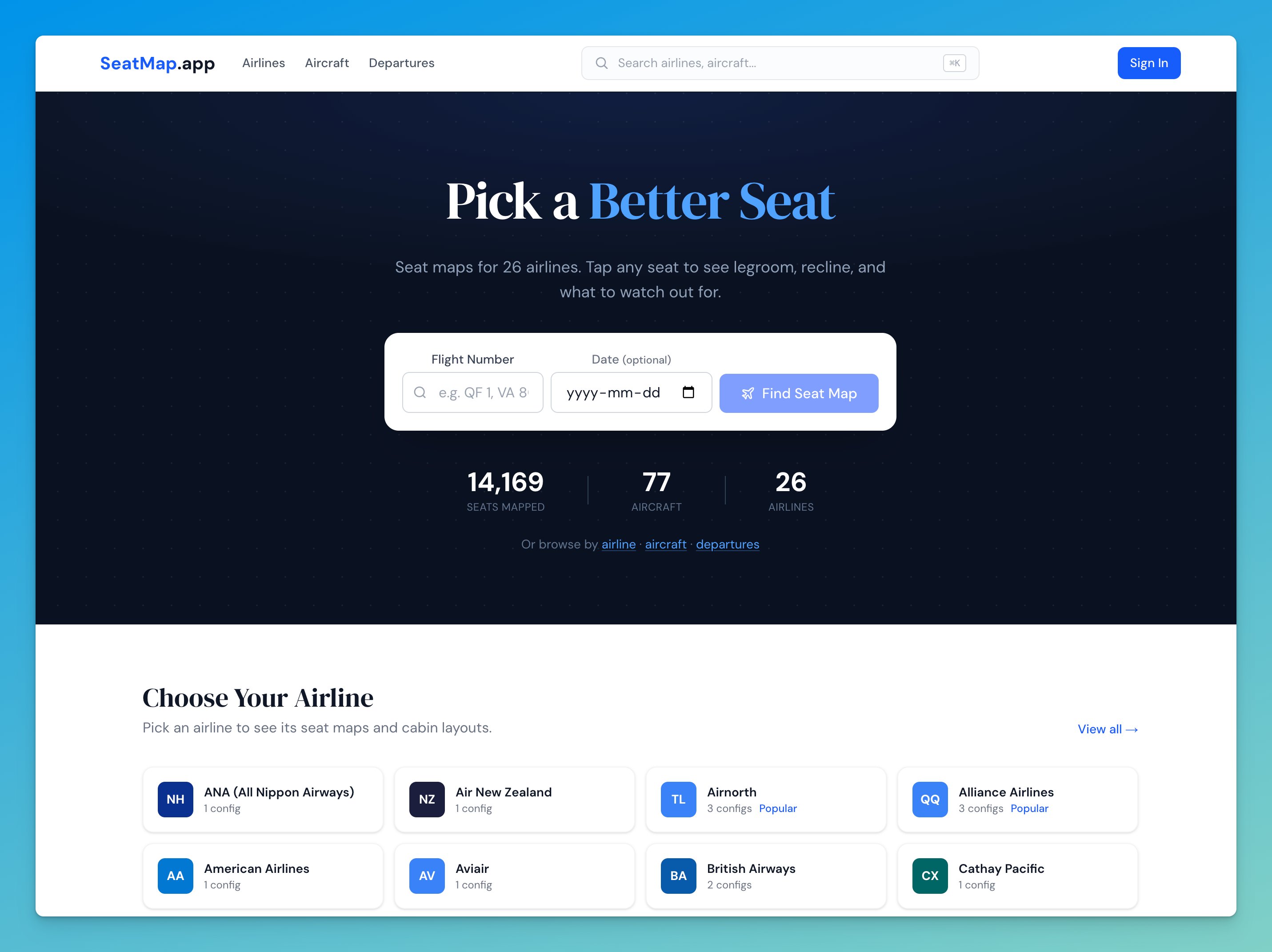
SeatMap.app turns cabin information into short seat notes, including warnings about windows and recline where its sources record those details. It also shows whether a layout comes from a single source or has been cross-referenced, and how confidently it matches your flight.
Those labels help when several versions of an aircraft look similar. Check them before following a recommendation, particularly if the result is only a general map.
The maps are free to view without an account. Seat Advisor and other Pro features are separate from free map browsing.
9. SeatCompare.ai
9. SeatCompare.ai
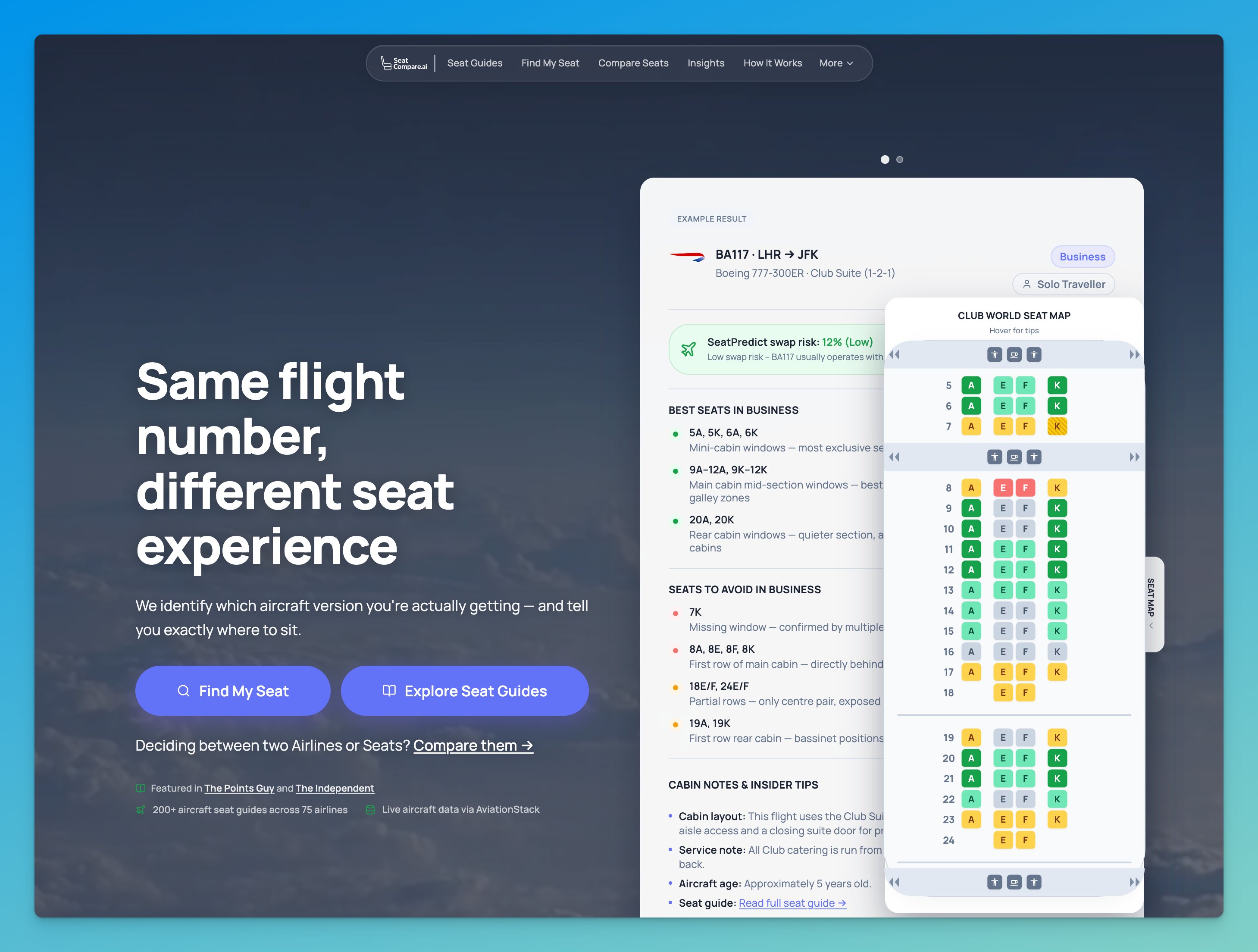
SeatCompare.ai advertises free search by flight number, personalized seat suggestions, and alerts for aircraft changes. It also publishes aircraft guides you can use to start researching a cabin.
Treat the suggestions as a shortlist to check against the actual layout. Flight matching and alert delivery were not independently tested for this update, and a recommended seat may already be taken.
10. Legrooms+ for Google Flights
10. Legrooms+ for Google Flights
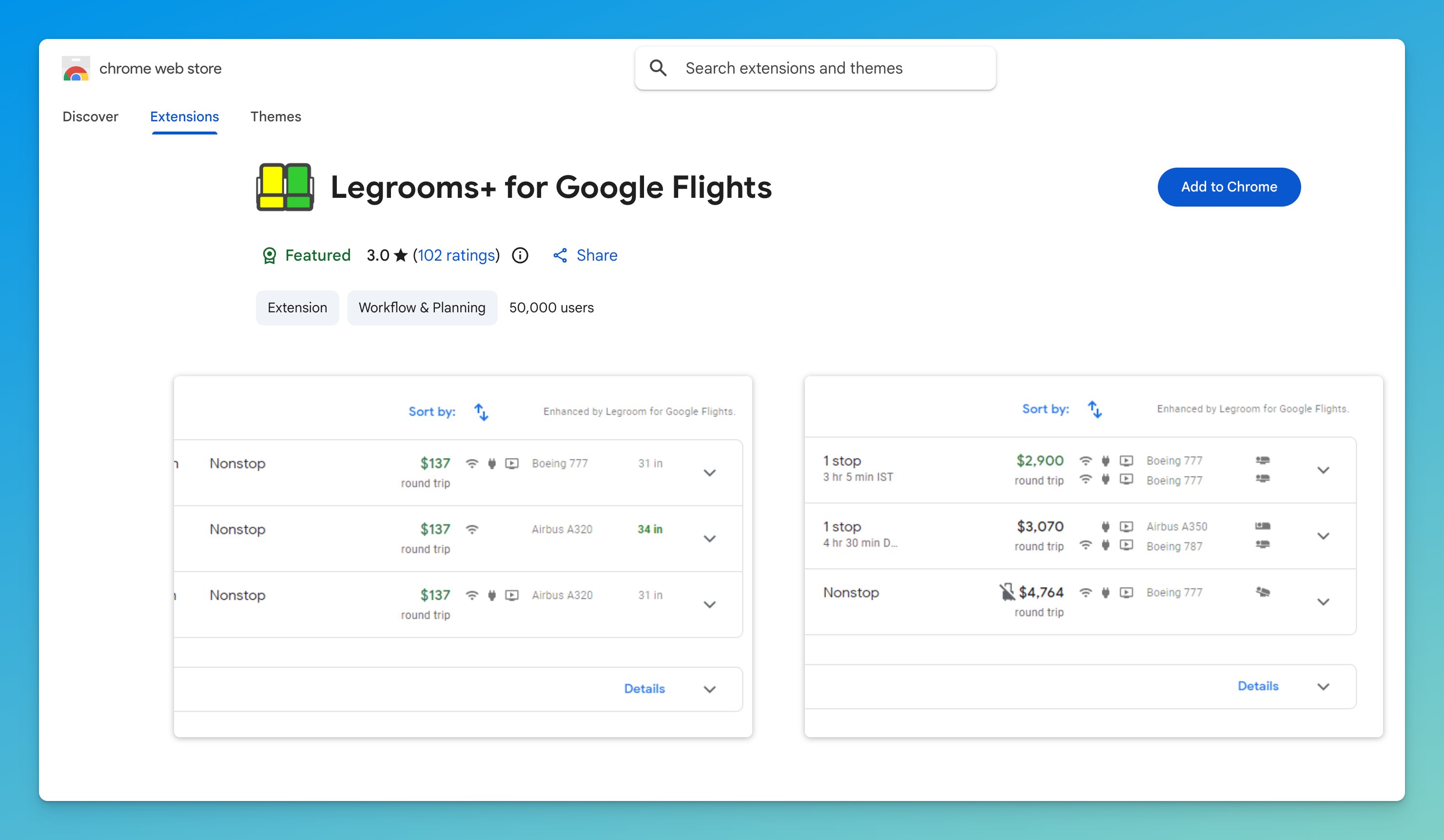
Legrooms+ adds legroom and amenity information to Google Flights results through a free Chrome extension. It helps earlier in the booking process, when you are deciding between flights and want to compare the seating before choosing one.
Once you have picked a flight, use a detailed map to choose a seat. The extension compares cabin information; it does not replace the airline’s seat-selection page.
How to Find the Right Seat Map for Your Flight
Step 1: Match the Aircraft Configuration
Search by flight number and departure date, then compare the result with the operating airline’s booking page. For a codeshare, check which airline actually operates the flight. If the search cannot identify an exact match, browse the operating carrier’s fleet instead.
Do not stop at “Boeing 777” or “Airbus A350.” Compare the number of seats in each cabin, the row numbering, and the locations of exits and lavatories. If these do not agree, you may be looking at a different version.
For example, AeroLOPA’s United directory lists both domestic/high-density and Polaris-equipped Boeing 777 variants. “United 777” alone is not enough to choose the right map. Match the cabin seat counts and row numbers before choosing a seat from either layout.
Step 2: Check the Seat, Then Confirm Availability
Use the detailed layout to make a shortlist, and the airline or AwardFares live map to check current seat status. Before paying, look for:
- Window position: Is there a usable window beside the seat?
- Recline: Does the seat have a published restriction?
- Legroom and width: Does extra pitch come with fixed armrests or an exit-door obstruction?
- Noise and traffic: Are you next to a lavatory, galley, or boarding area?
- Storage and companions: Will the seat arrangement work for your bags and travel party?
Choose through the airline and recheck after an aircraft-change notification and at check-in. A seat assignment can move when the aircraft changes.
Seat Ratings and Seat Availability Use Different Colors
On a review map, green or red can mean a good or poor seat. On a live map, colors can represent availability or assignment status. Read the legend each time. A seat can be comfortable but unavailable, or available but have a missing window.
What an Empty Seat on the Map Really Means
A seat map is not a passenger count. For illustration, a 180-seat aircraft with 30 unassigned seats does not necessarily have 30 unsold tickets. Passengers may already hold tickets without assignments, and airlines can block seats. A map also does not tell you how many award tickets or upgrades are available.
Finding Seat Maps for Specific Airlines
Start with the carrier’s layout directory below, match it to your booked flight, and use the airline’s booking page for selection and fees. You can go directly to these directories instead of looking for the old SeatGuru airline pages.
| Airline | Detailed layouts | What to match before picking a seat |
|---|---|---|
| United Airlines | United seat maps | Domestic versus international configuration; cabin seat counts |
| Delta Air Lines | Delta seat maps | Aircraft variant, cabin boundaries, and row numbers |
| American Airlines | American seat maps | Exact aircraft configuration and business-class layout |
| British Airways | British Airways seat maps | The business-class seat layout shown for your departure |
| Southwest Airlines | Southwest seat maps | 737 variant, seat category, and selection eligibility |
For Air Canada, Qatar Airways, Emirates, Singapore Airlines, and other carriers, start with AeroLOPA’s airline directory or SeatMaps.com. A product name alone is not enough to confirm the seat you will get.
Southwest update: Assigned seating began for travel on January 27, 2026. However, Basic fares generally receive their assignment at check-in, with exceptions for eligible status holders and credit cardmembers. See Southwest’s current seat-selection rules before assuming you can pick a seat at booking.
Frequently Asked Questions (FAQ)
Your Questions Answered
What is the best free alternative to SeatGuru?
AeroLOPA is a useful free option for checking seat comfort and window positions. SeatMaps.com adds photos and reviews, while SeatMap.app offers free maps without an account. Use AwardFares when you need a live seat map for a specific flight rather than a seat-quality recommendation.
What has replaced SeatGuru?
Several services cover different parts of the job. AeroLOPA and SeatMaps.com help with cabin research, AwardFares shows live seat maps, and ExpertFlyer can monitor a preferred seat. You do not need to use all of them: start with the question you need answered.
Is SeatGuru down, or has it permanently closed?
SeatGuru has closed, and its website now directs visitors to Tripadvisor. Use an actively maintained alternative instead of waiting for the old site to load.
Does AeroLOPA have seat reviews and color-coded ratings?
Yes. AeroLOPA’s current site describes seat ratings, measurements, and traveler comments. The colors describe seat quality, so read the notes to understand why a seat has a particular rating.
Can I find a seat map using only my flight number?
AeroLOPA and SeatMaps.com offer flight lookup. Include the departure date, and verify the operating carrier and cabin layout against your booking. A flight number does not guarantee that the same aircraft configuration operates every day.
Can a seat map tell me whether the seat next to me will stay empty?
No. A live map shows current seat status, but assignments can change until departure. Ticketed passengers may not have selected seats yet, and blocked seats can be released. Check again near departure, but do not treat an unassigned seat as a guarantee.
What is the difference between a live seat map and a static one?
A static map describes an aircraft’s layout, including seats, exits, and cabin facilities. A live map shows the seat status for a particular flight and date. Use the layout to research comfort and the live map to check assignments; confirm selection and fees with the airline.
Which SeatGuru alternative sends free seat alerts?
ExpertFlyer’s free plan includes one active seat alert. FlightSeatmap also lists one active alert in its free offering, with limits on live checks. Verify coverage for your flight, and remember that an alert does not make the seat change for you.
Do I need a SeatGuru replacement app?
You can research layouts through the websites listed here in your browser. Keep your airline’s app handy for your booking, check-in, seat changes, and aircraft updates. You do not need the old SeatGuru app to use these alternatives.
Read More
Find & Monitor Award Flight Availability
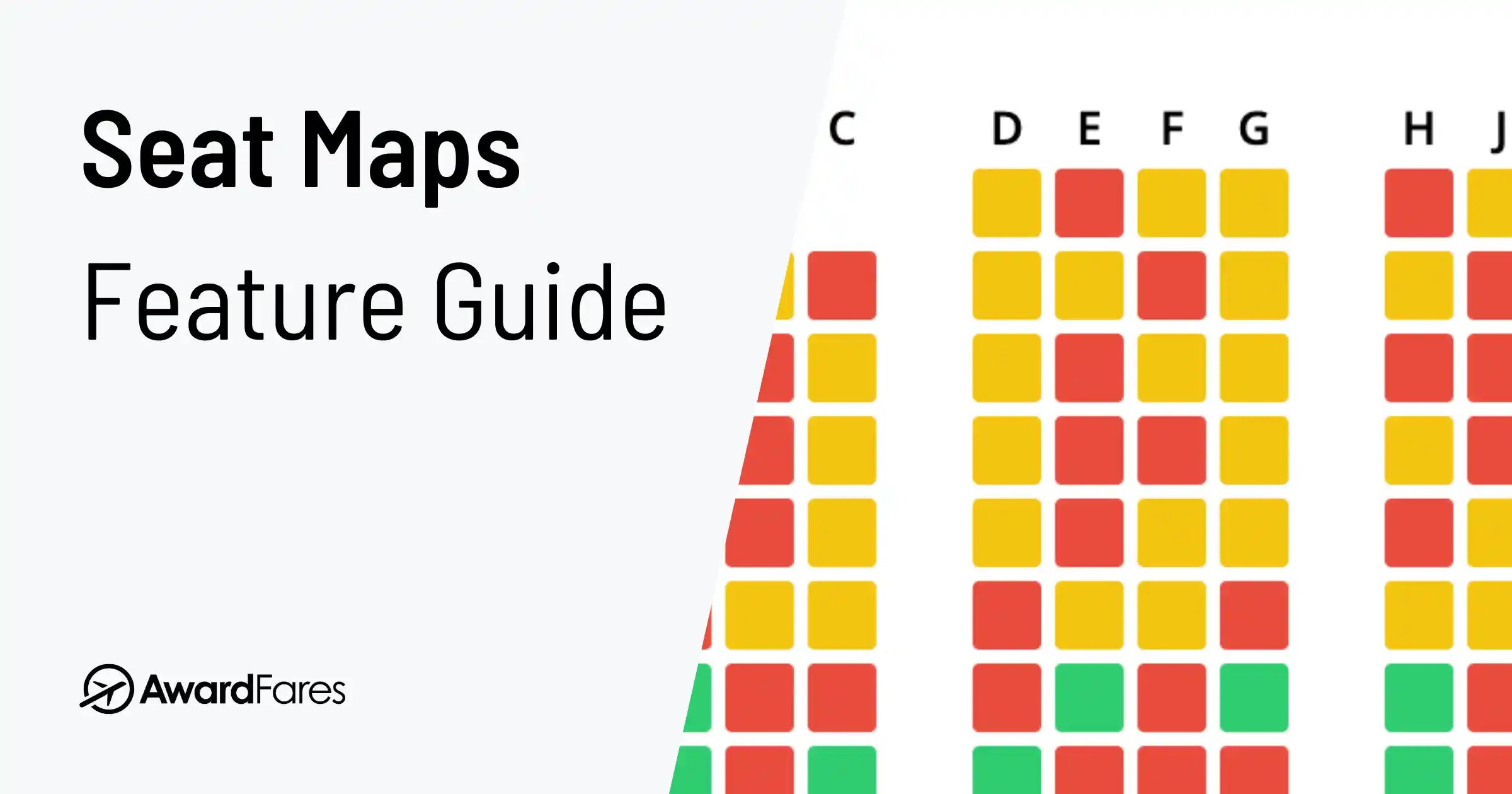
Use AwardFares to instantly search multiple frequent flyer programs. Find available award seats, set up alerts to monitor availability, check flight schedules, view seat maps, and more—all in one place.