 Aeromexico Rewards
 Air Canada Aeroplan
 American Airlines AAdvantage
 Atmos Rewards (Alaska/Hawaiian)
 Azul Fidelidade
 Delta SkyMiles
 Etihad Guest
 Finnair Plus
 Flying Blue (AF/KL)
 GOL Smiles
 Jetblue TrueBlue
 Qantas Frequent Flyer
 SAS EuroBonus
 Turkish Miles&Smiles
 United MileagePlus
 Virgin Atlantic Flying Club
 Virgin Australia Velocity
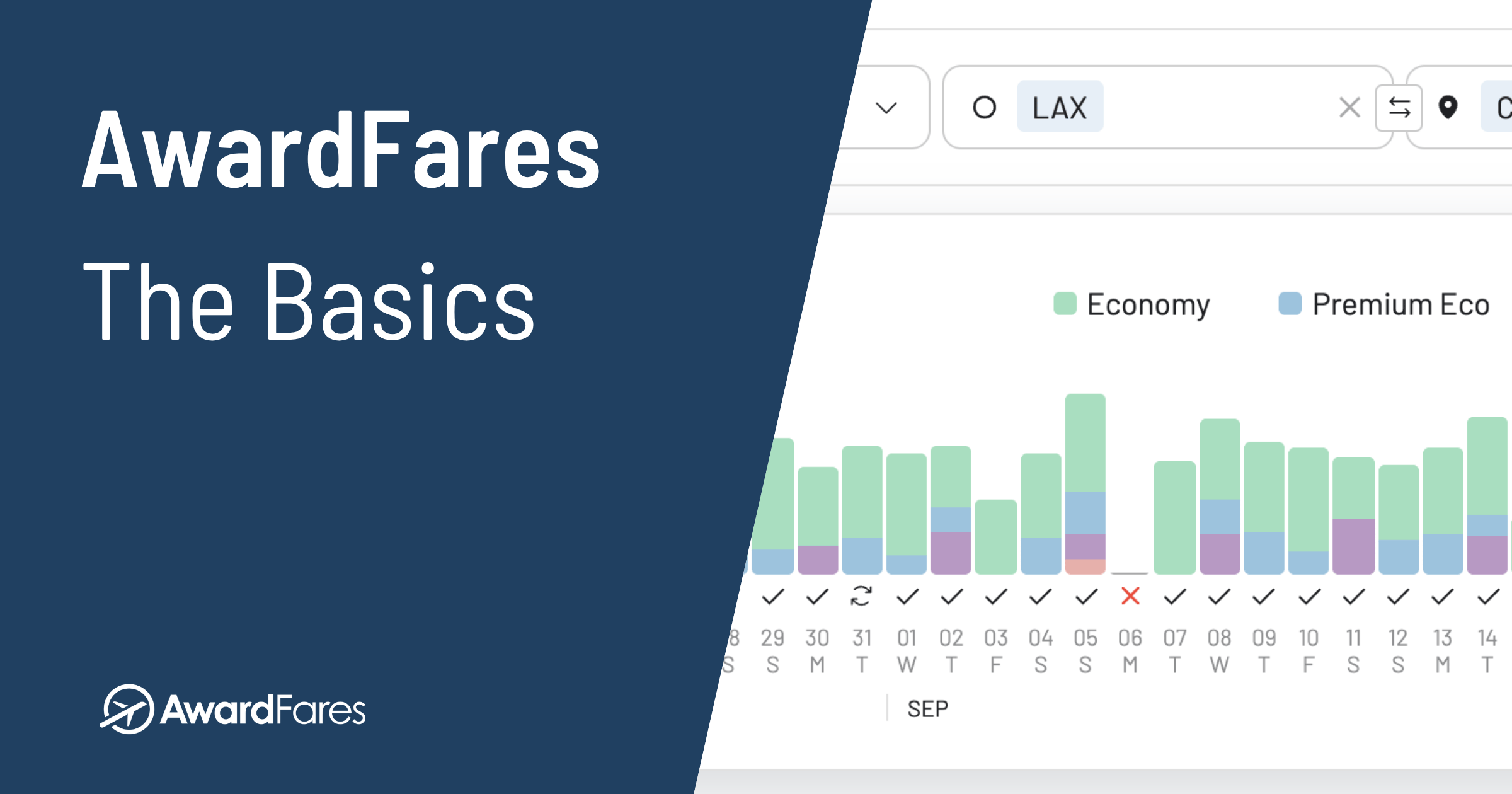
Many of us have miles sitting unused because finding seats feels overwhelming. That’s why we built AwardFares: to make award travel easy. Whether you’re new to points and miles or planning your hundredth redemption, we show you how to search, set alerts, plan trips, and check seat maps before you book.
AwardFares helps you find flights you can book with points or miles across multiple frequent flyer programs (and we are adding more). Our search tools help you understand your options and save time.
What You Can Do With AwardFares
- Find Award Flights: Compare dates, cabins, prices and available seats across supported loyalty programs.
- Set Alerts: Monitor a specific trip with Live Alerts or look for broader matches with Flex Alerts.
- Plan Your Trip: Save flights in Journey Planner to review routes and connections.
- Check Seat Maps: Look at the cabin layout and seat assignments before you book.
- Start for Free: Use Basic to preview availability, then choose Gold or Diamond for Live Searches and alerts.
Ready to try it? Follow the first award flight walkthrough for a complete search. Or explore the tools below: Search, Alerts, Journey Planner, and Seat Maps.
What Is Award Travel?
Award travel means booking a flight with loyalty points or miles, usually with taxes and fees paid in cash. If this is new to you, our award flight basics explain how availability and award prices work. We also cover why award flights and frequent flyer programs are becoming more popular.
Getting Started With AwardFares
- Sign Up: Create your AwardFares account. The free Basic plan lets you preview availability. You’ll need Gold or Diamond to request Live Searches.
- Open the Search Dashboard: Head to Search to choose your program, route and dates.
Check the plan differences if you’re deciding which access you need.
Start with the points you can use. The loyalty program is where you earn and spend your points and book your award. Those points are the “currency” you use. The operating airline is the airline actually flying the plane. A program may offer flights on multiple partner airlines.
And to make things even more complex, the same flight can have different award prices or availability depending on which program you search. This won’t matter so much to you if you only use one main airline program, but it gets more relevant for credit card and bank points.
- Have airline miles? Choose that program if AwardFares supports it.
- Have bank or credit card points? Check your issuer’s current transfer partners for your card and country, then choose a supported program you can transfer to. Don’t transfer points just to start searching.
- Don’t see your program? Check the supported programs. If yours isn’t listed, search directly with that program. For bank points, use the eligible partners you checked above.
- Only have one usable program? Start there. Compare its award with a realistic cash alternative; you don’t need a second program to make a useful decision.
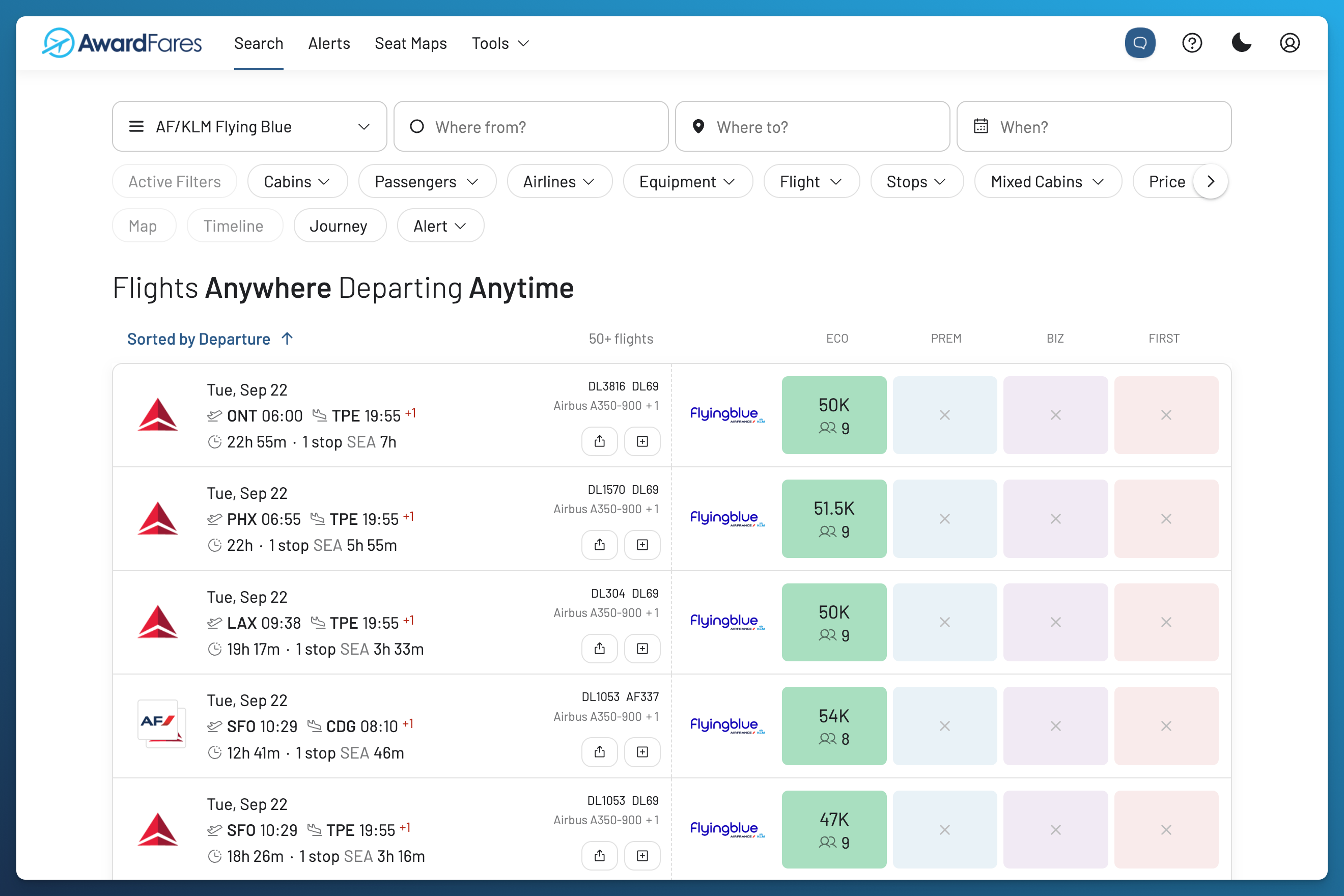
1. Find Award Flights (The Search Dashboard)
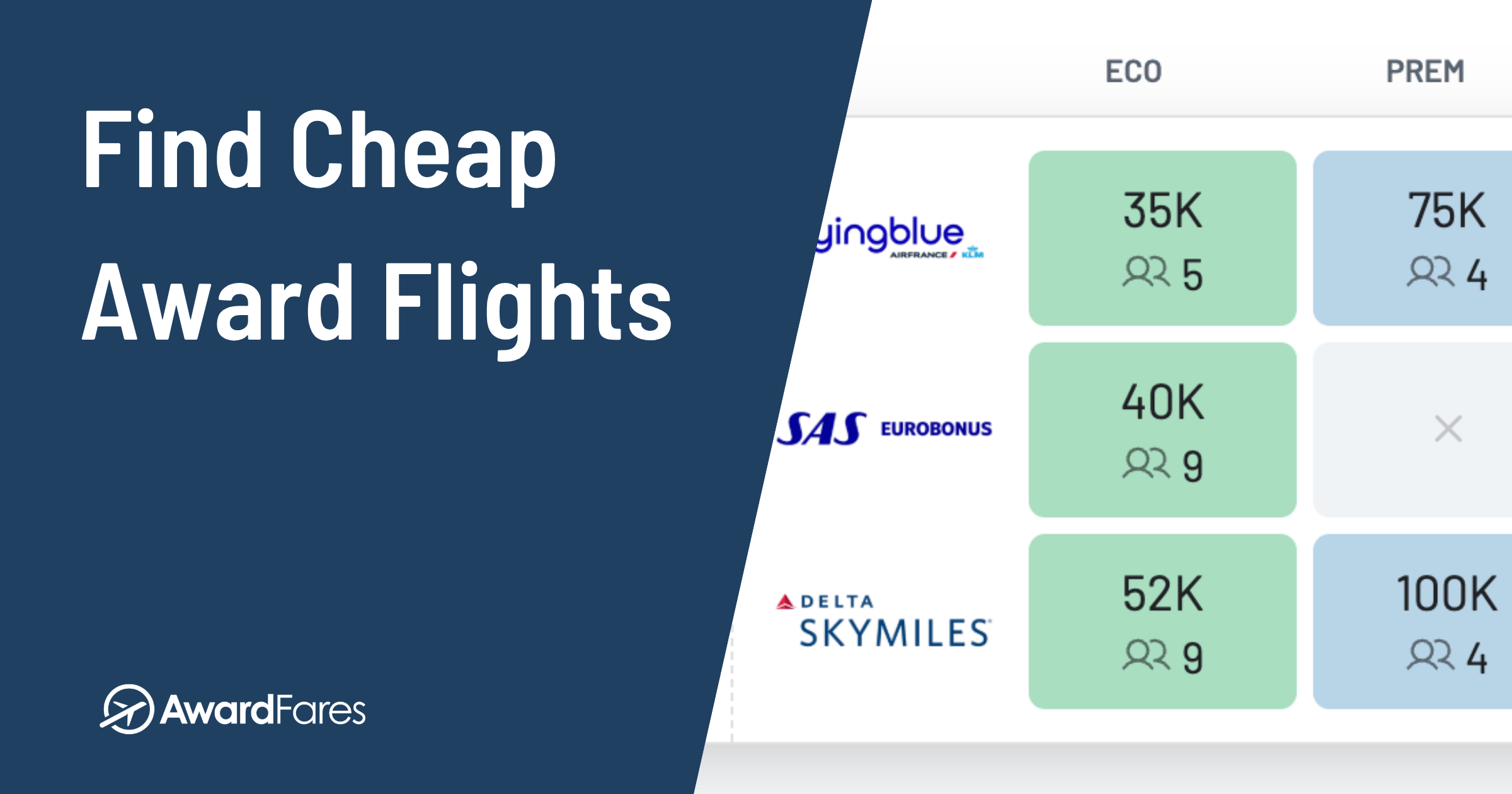
With Award Search, you can compare flights across supported programs, routes and dates. For your first search, start with one program, one route and one date so you can get familiar with the results.
How to Search
If you’re using Basic, start with the availability preview. The Live Search steps and result fields below apply to Gold or Diamond.
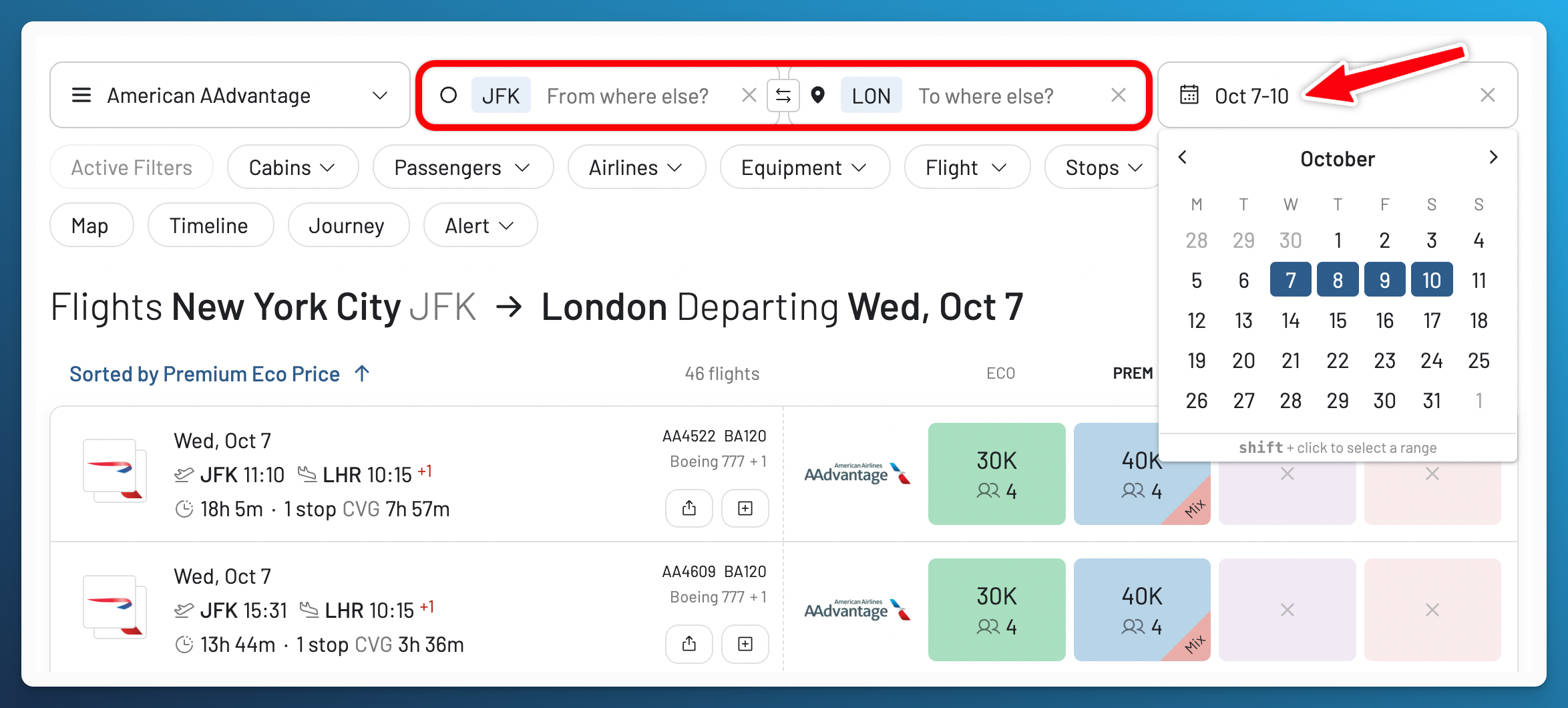
- Choose Your Program and Route: Open Search, select a program you can use, then enter your departure and arrival airports.
- Select a Date: Choose when you want to travel. With Gold or Diamond, request a Live Search.
- Open a Result: Check the flight details to see whether the option fits your trip.
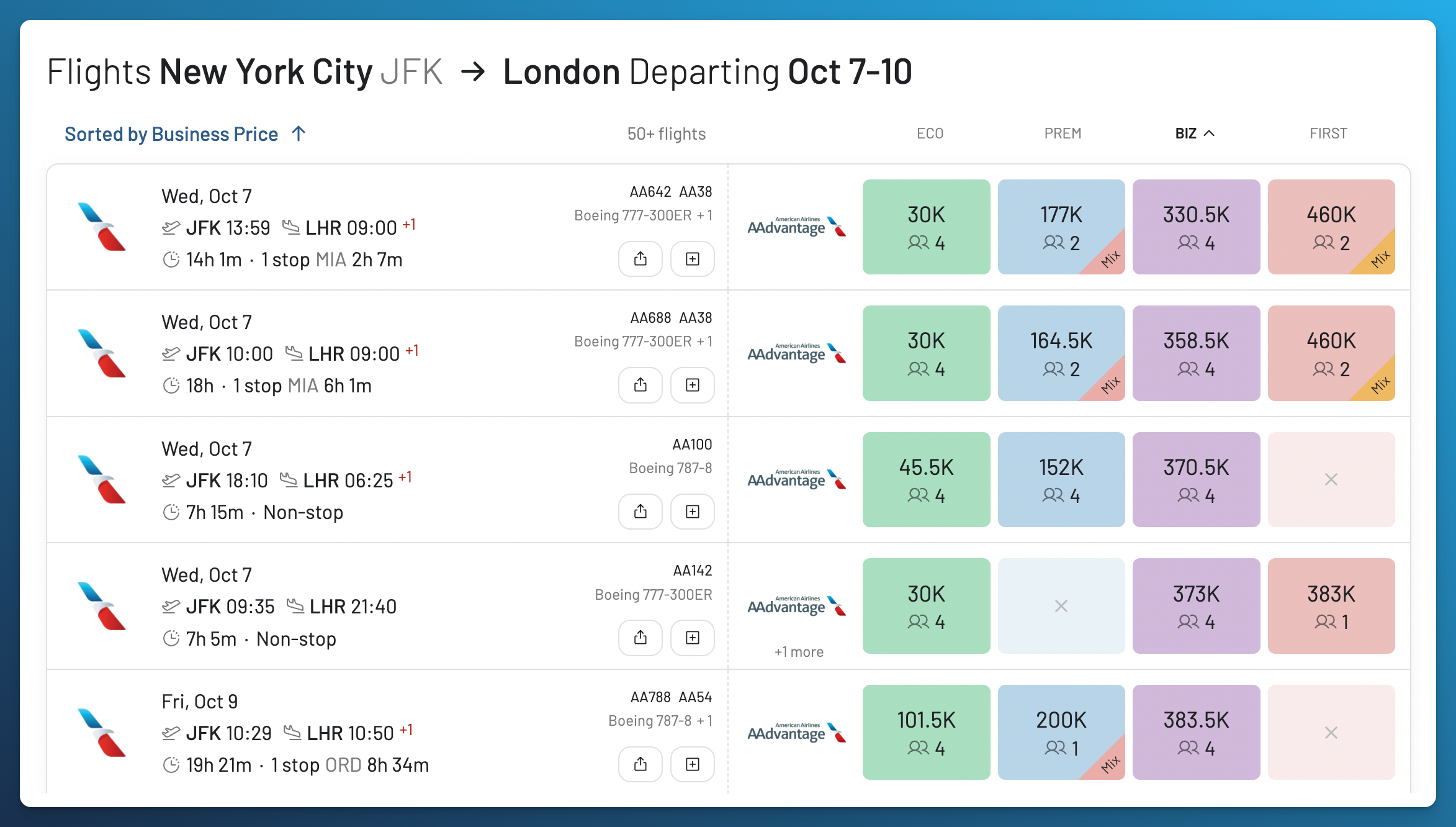
In a paid search result, look for the program offering the award, the price in points or miles, the reported number of seats in your cabin, and the update time. Open the flight details to check the operating airline and cabin for each flight, along with any taxes and fees shown. If no fees appear, you’ll still need to check the cash charges with the booking program.
Live Searches and Previously Collected Results
A Live Search requests an availability check. Broad Search uses previously collected results to help you explore. Use Refresh to check a result again within your plan’s limits, then confirm it with the booking program. Availability can change before you book. Refreshing a result is separate from the automatic checks run by Live Alerts.
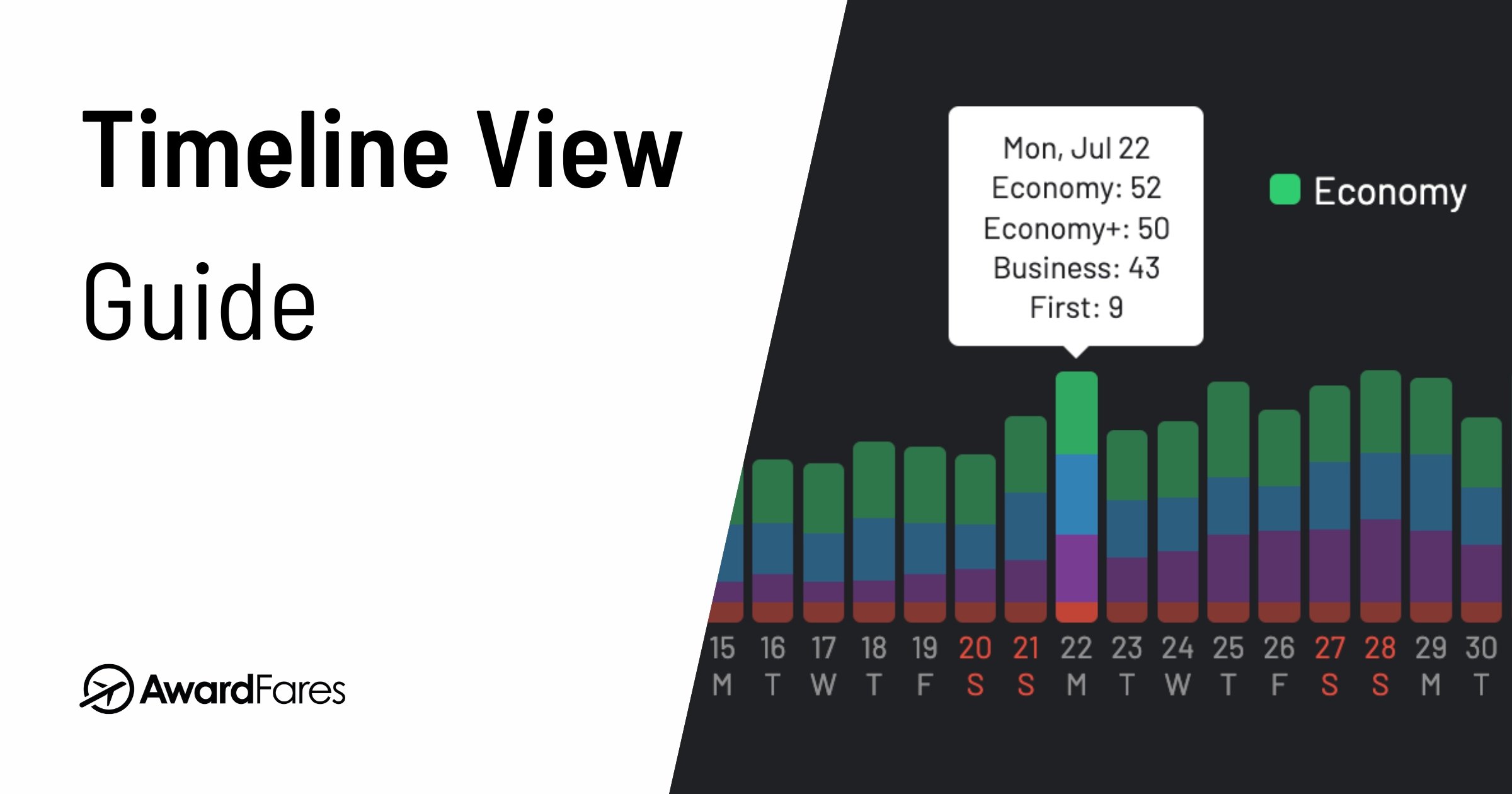
If your dates are flexible, Timeline View helps you explore other days. Check the results for a date before deciding whether its flights fit your trip.
Find Your First Award Flight
2. Automate Your Search With Alerts (Live & Flex)
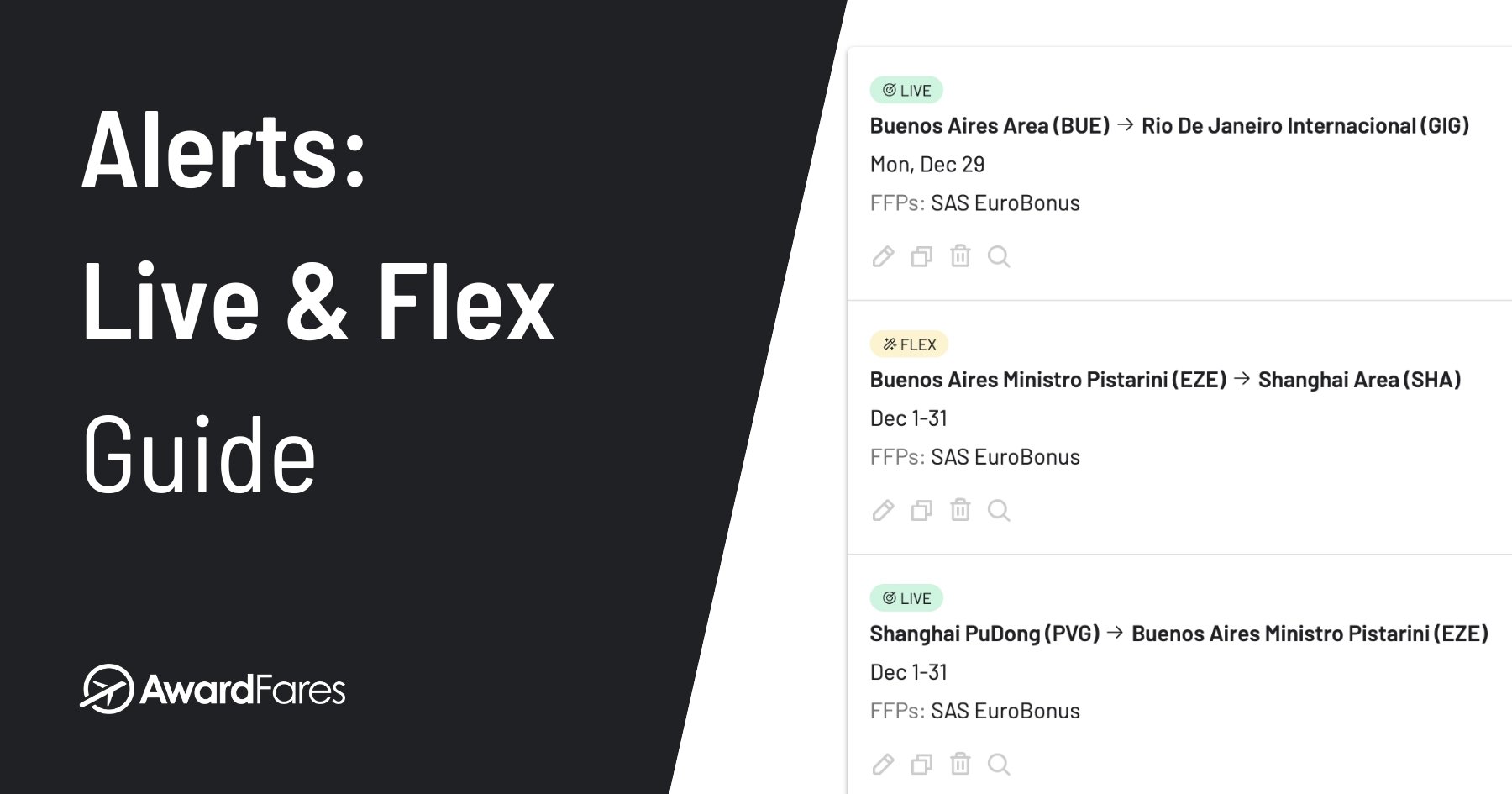
Don’t see the seats you need? You can set an alert so you don’t have to repeat every search yourself. Gold and Diamond include two types of award alerts:
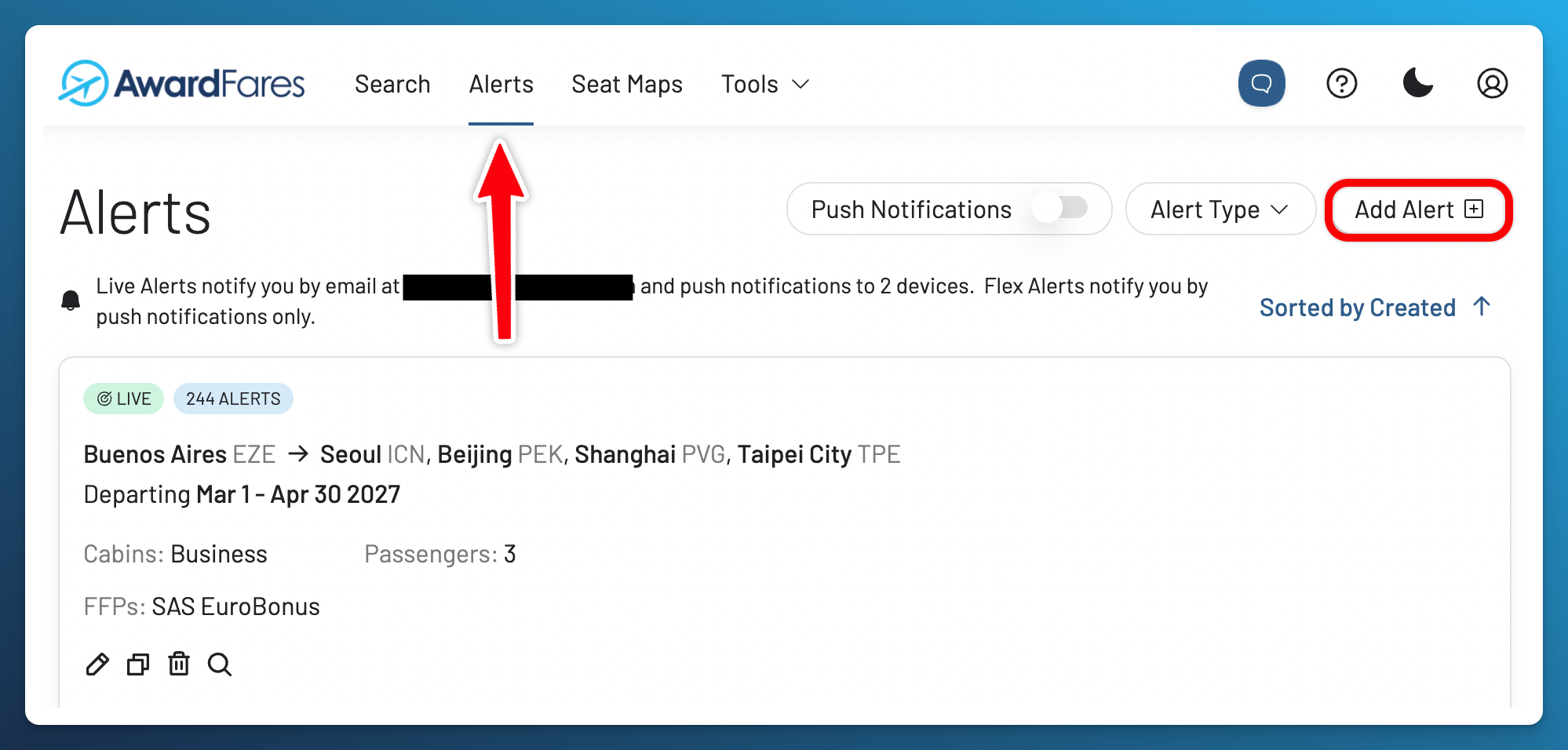
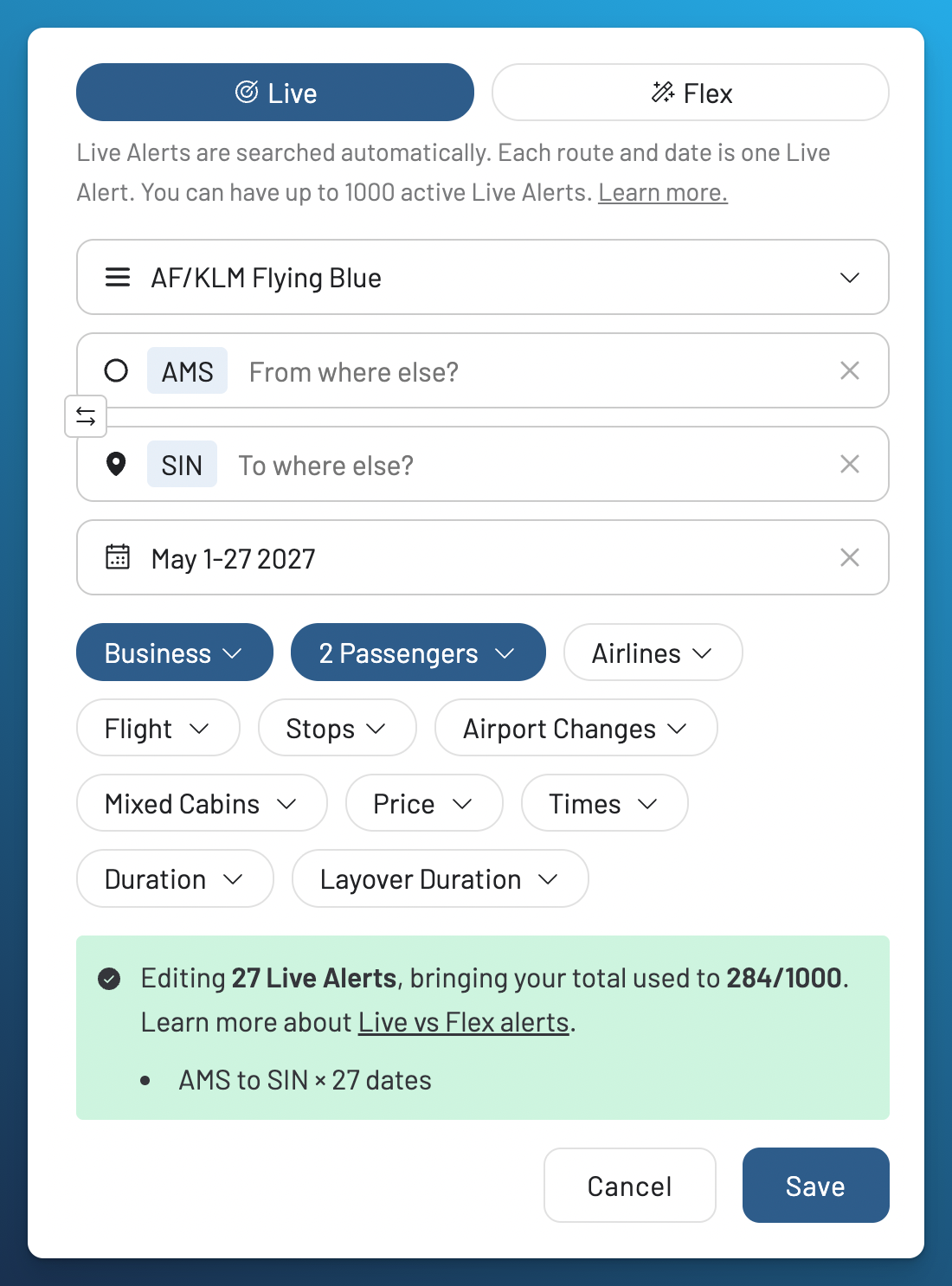
- Live Alerts: Use these when your route and dates are specific. They automatically check for matching availability and notify you by email, with optional push notifications.
- Flex Alerts: Use these when your plans are more flexible. They send push notifications when AwardFares detects availability that matches your broader criteria, but can miss seats that haven’t been detected.
Open Alerts when you know what you want to monitor. An alert doesn’t reserve a seat, so confirm any matching flight with the booking program before transferring points or booking.
Push notifications can work on supported desktop browsers as well as phones. On iPhone and iPad, add AwardFares to your home screen and open it from there, then enable notifications. Enable push notifications before relying on a Flex Alert, since it won’t send email.
Set Up Your Alerts

3. Build Complex Trips (Journey Planner)
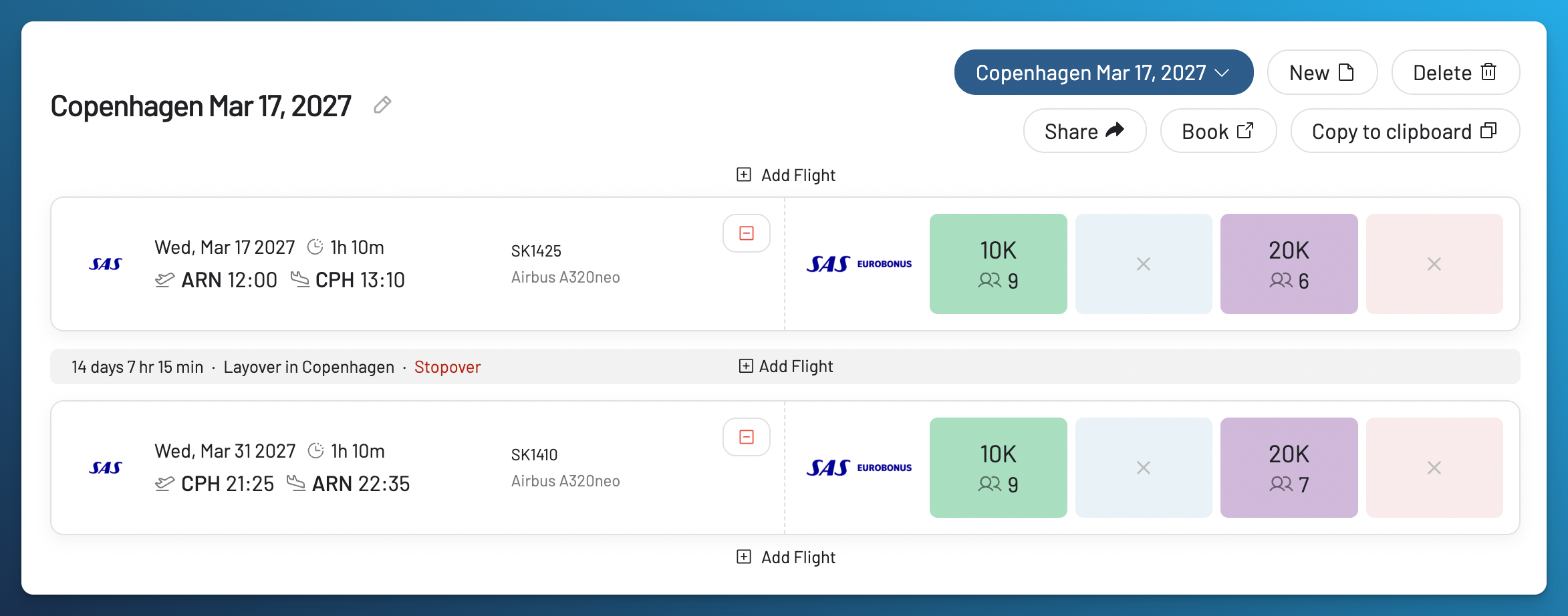
Planning a trip with several stops? Journey Planner, available with Gold or Diamond, helps you keep the flights you’re considering together.
- Build Your Trip: Add flights as you find options that fit.
- Review Connections: See the route and layovers together before deciding what to book.
- Save and Share: Keep itinerary options organized and share your plan with travel companions.
Saving a Journey does not hold seats or issue tickets. Separately found flights may not be bookable together as one award, and separate tickets do not automatically protect your connections.

4. Choose a Seat (Live Seat Maps)
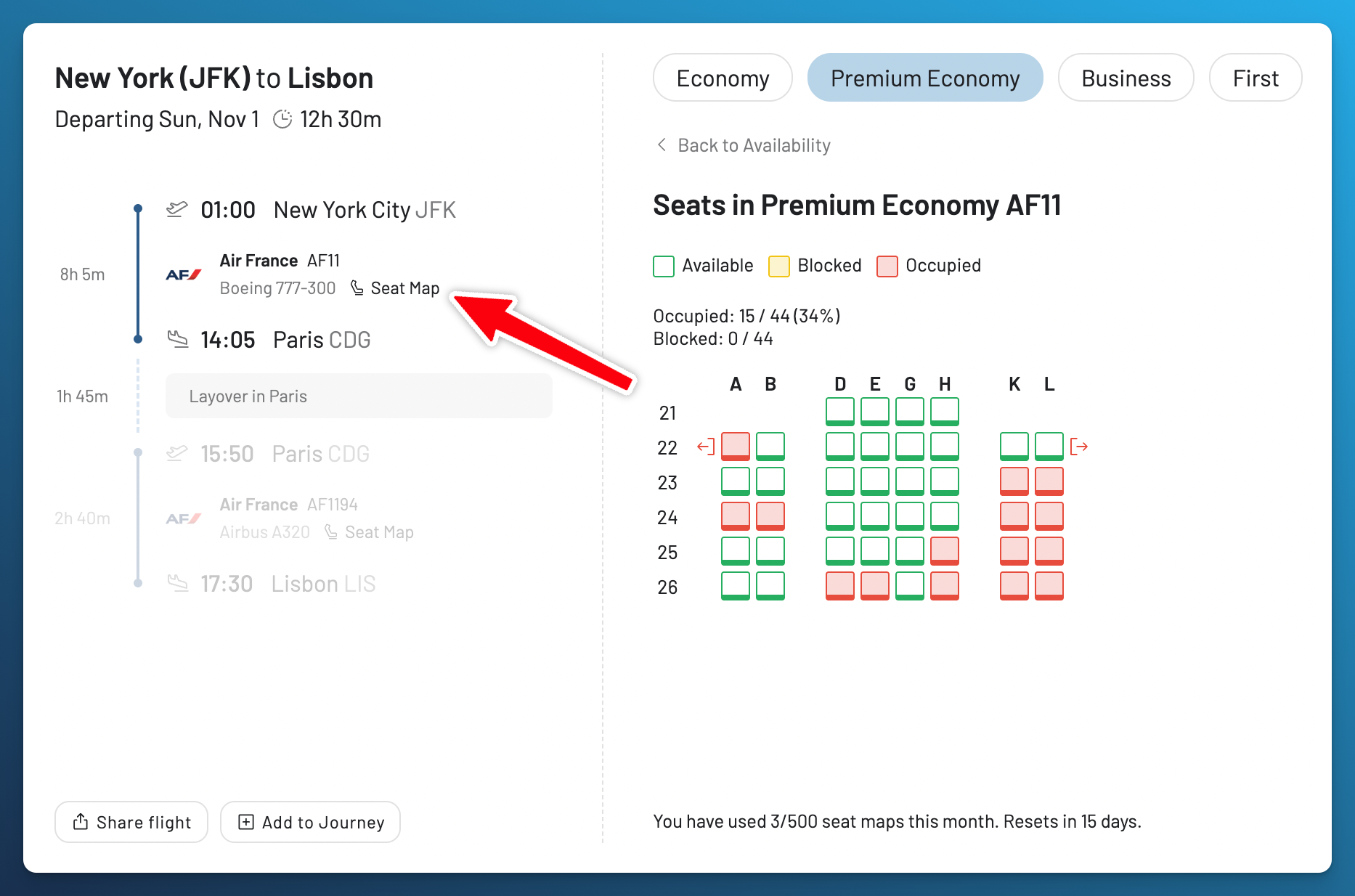
Found a flight that works? Live Seat Maps let you look at the cabin layout before you book. You can check for window seats or seats together, using the seat status supplied by the airline or provider. The airline’s rules determine which seats you can select.
An unassigned seat on the map is not proof that an award ticket is available. Maps can also be unavailable for some flights.
Explore Seat Maps
Understanding AwardFares Plans
- Basic: Free availability preview and a limited number of seat map lookups. It does not include Live Searches or alerts.
- Gold: Live Searches, Live and Flex Alerts, Journey Planner and more search tools.
- Diamond: Higher search and alert limits than Gold.
The pricing comparison has the current allowances and trial terms. Start with Basic to explore; choose a paid plan when you need a Live Search or an alert.
Try Our Interactive Tutorials
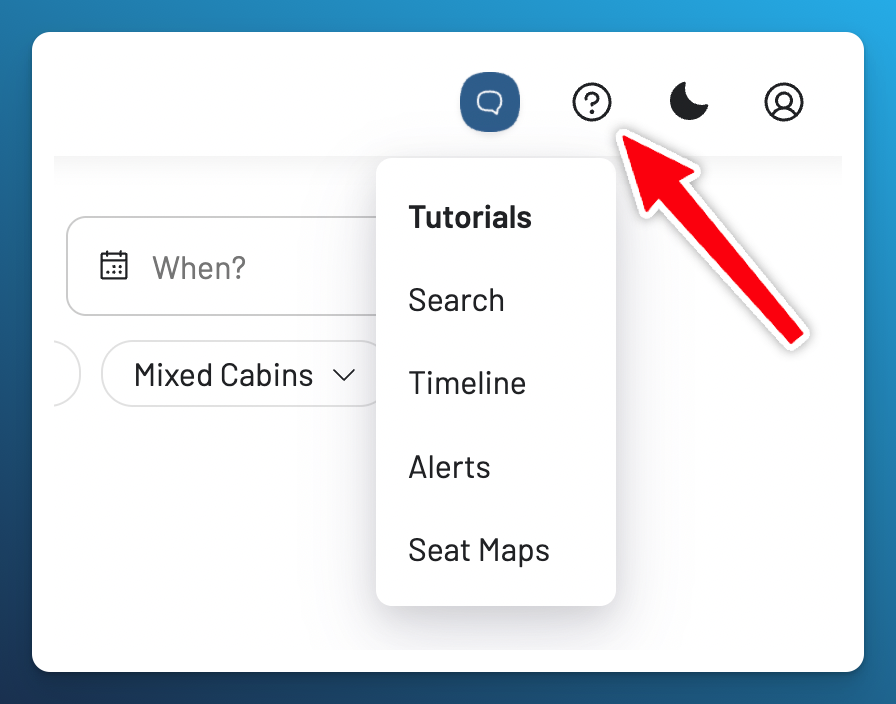
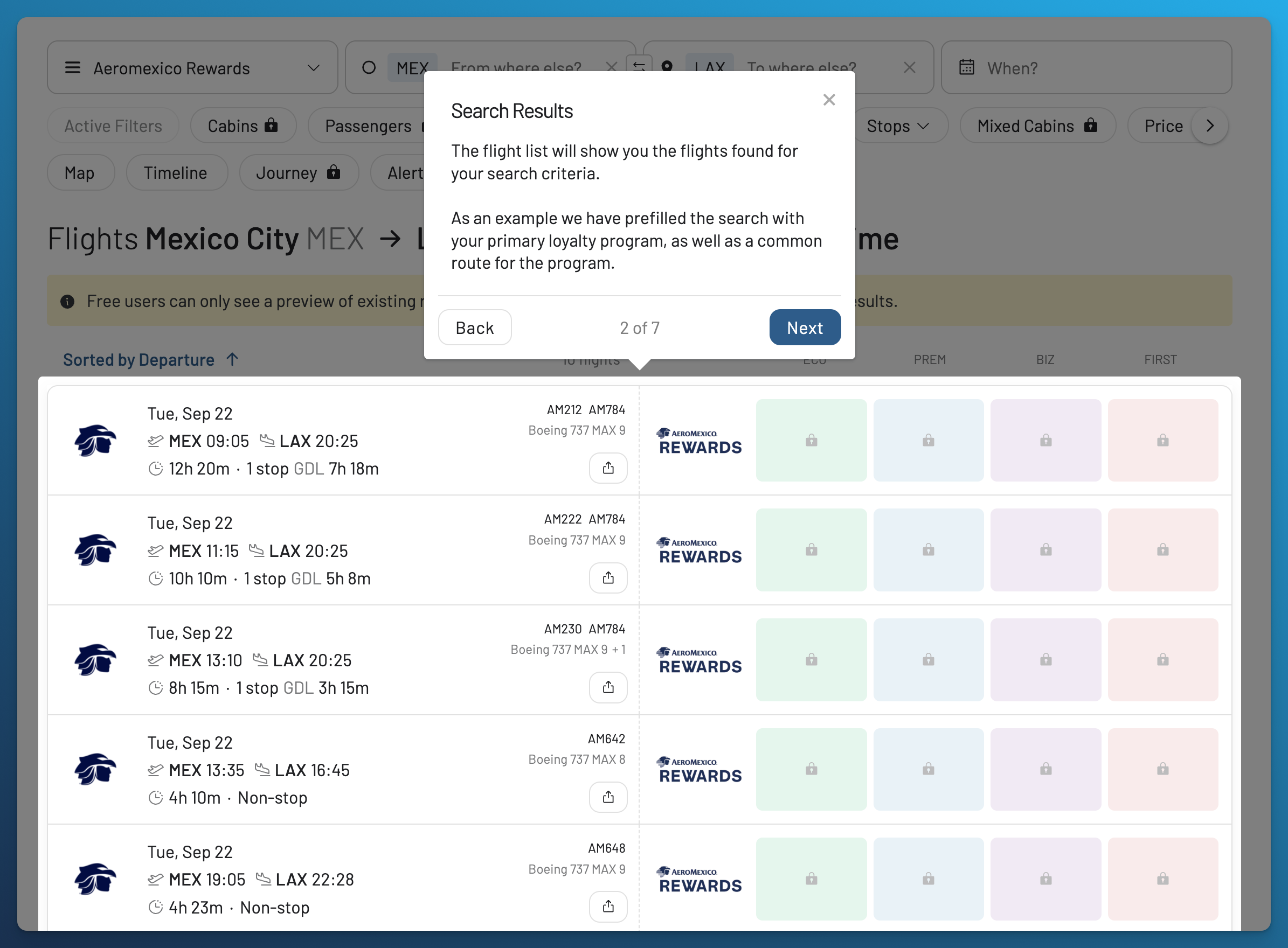
We also offer interactive tours for each feature. When you first create or upgrade your account, a tutorial pops up to guide you. You can skip it and restart it at any time by selecting the question mark icon in the top right corner.
Choose Your Next Step
- Ready to find a flight? Run your first search.
- Nothing suitable yet? Set an award alert.
- Prefer using your phone? Add AwardFares to your home screen.
You can also browse the getting started chapter of the manual.
Frequently Asked Questions
Frequently Asked Questions
How Do I Book a Flight I Find?
Book through the loyalty program offering the award. Use a booking link where available, or repeat the search on that program’s website. Confirm the full itinerary, travelers, cabin, total points and cash fees, and change or cancellation terms.
If you need to transfer points, first check whether you’re eligible, the transfer ratio, how long it takes, and whether it can be reversed. Once you have the points you need, complete the booking and confirm that your ticket was issued.
Is There a Mobile App?
Yes, as an installable web app. You can use AwardFares in your phone’s browser or add it to your home screen. The mobile setup guide has the installation steps. Push notifications need their own permission setup.
Find & Monitor Award Flight Availability
Use AwardFares to instantly search multiple frequent flyer programs. Find available award seats, set up alerts to monitor availability, check flight schedules, view seat maps, and more—all in one place.